Define sections
Hero, features, testimonials, pricing, FAQ, footer, blog, CTA and any custom section.
Section architecture →Choose a design system, describe your landing page, define every section, and generate a structured prompt your AI coding assistant can actually use.
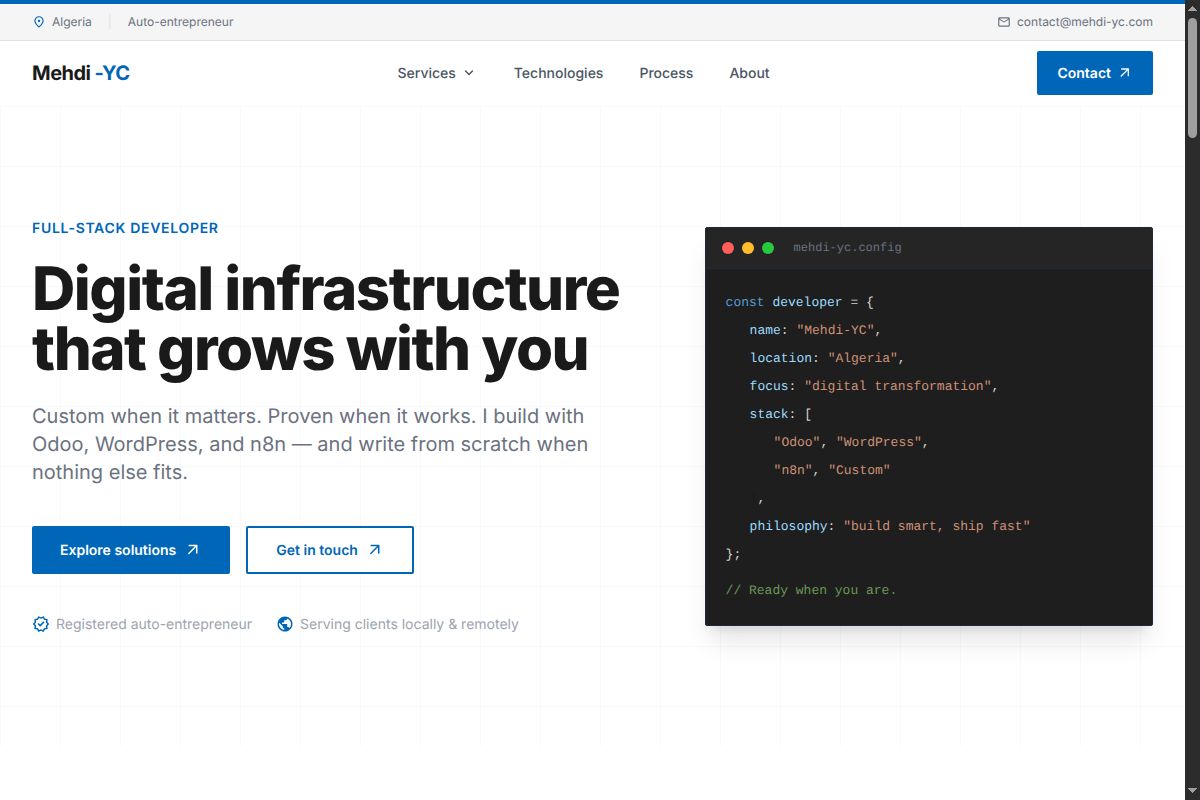
Every landing page starts from a defined visual system. Pick the direction that fits your product and we'll include it in the generated prompt.
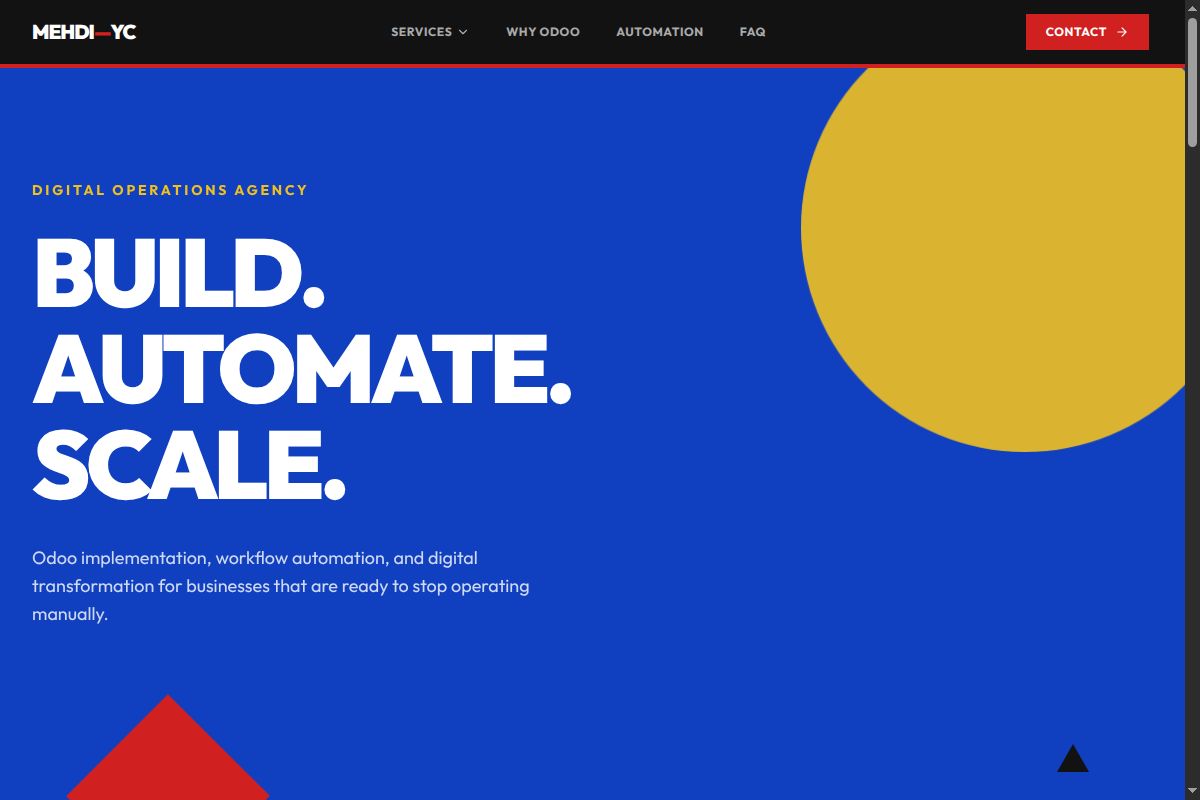
Geometric, bold, asymmetric and architectural.
Enterprise technology, structured and trustworthy.
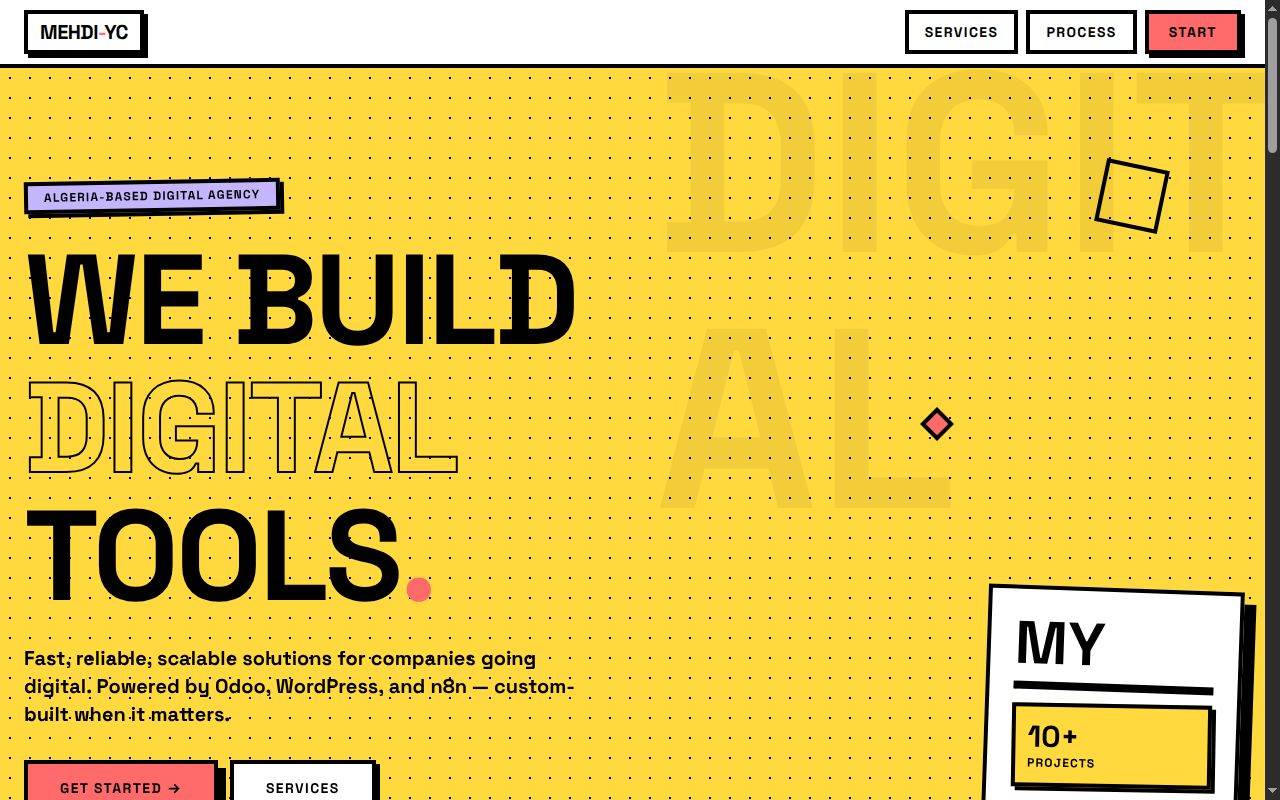
Raw interfaces, hard edges, color and personality.
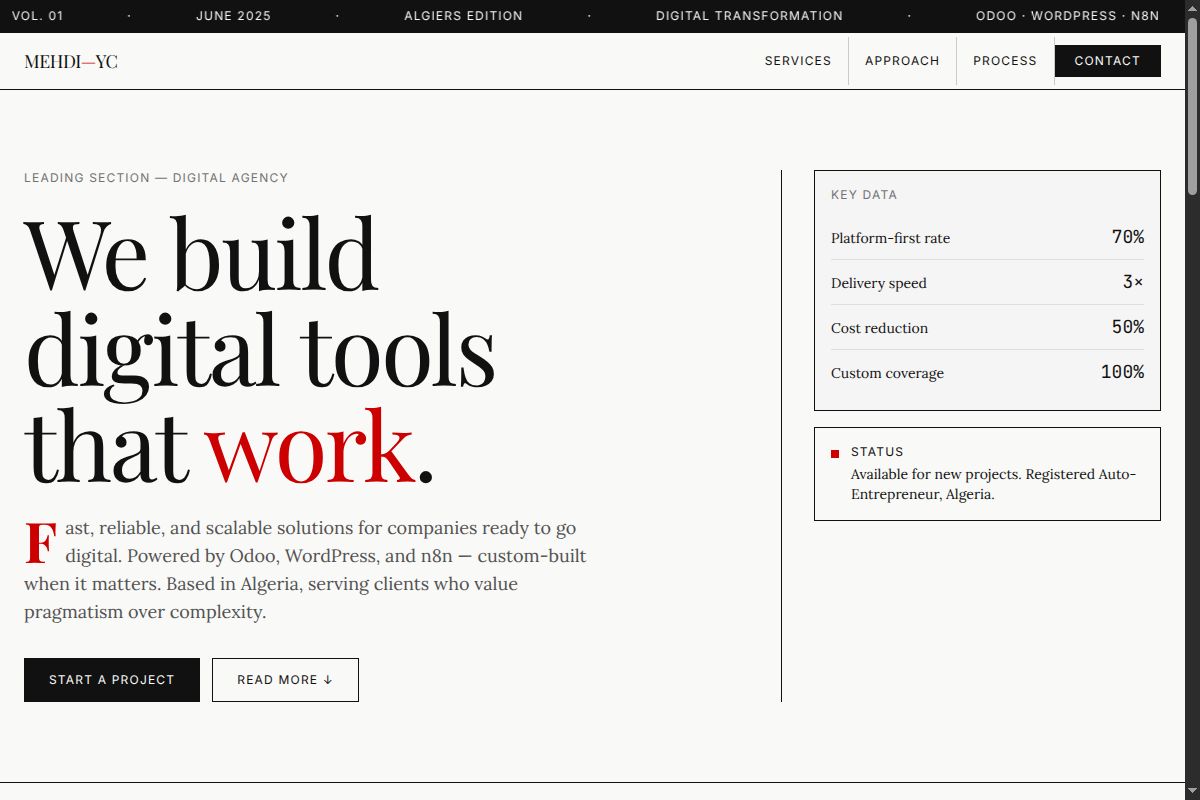
Editorial layouts, typography and information density.
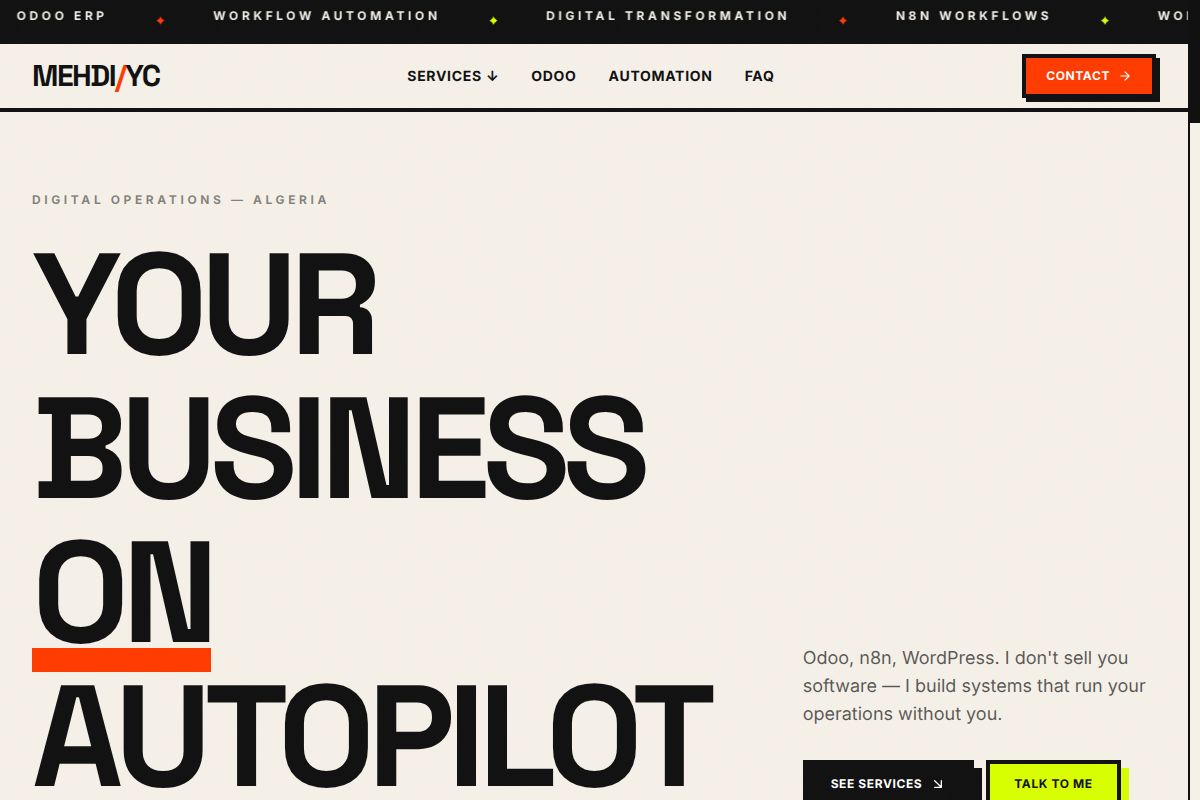
Bold, raw, unapologetic design with stark contrasts.
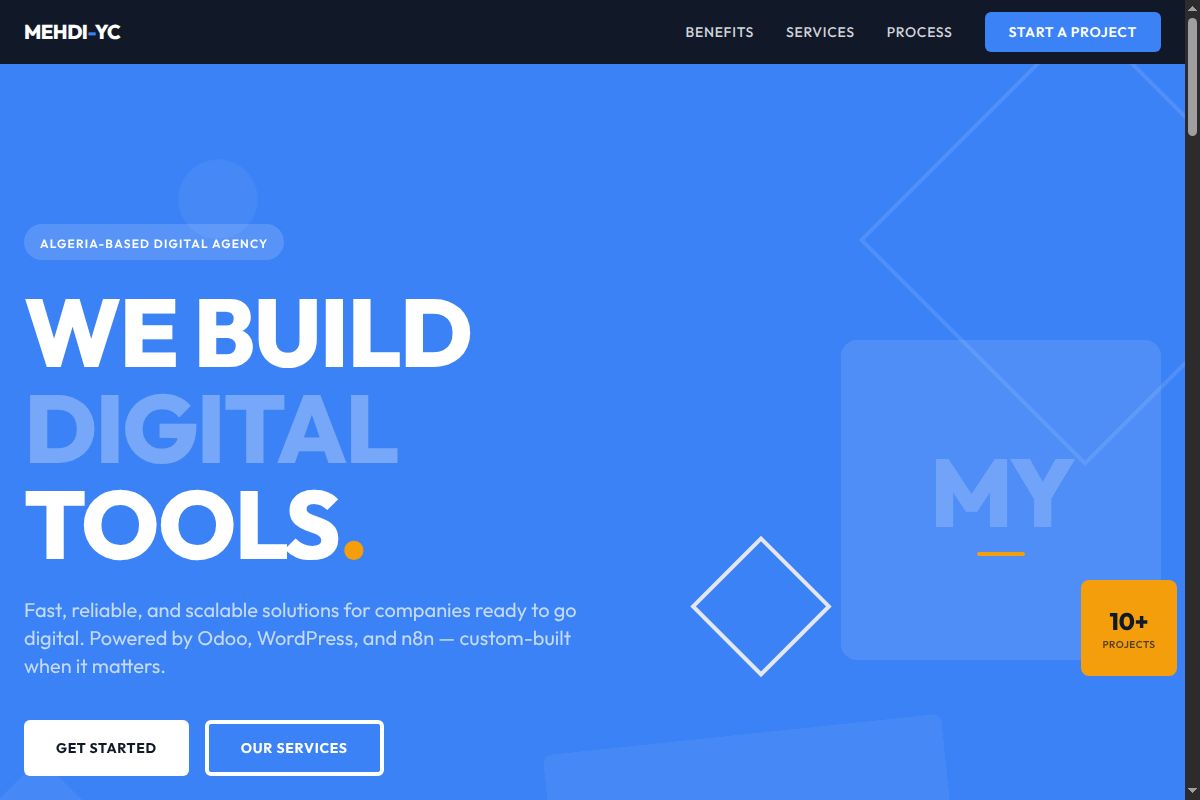
Clean, minimal, two-dimensional with bright colors.
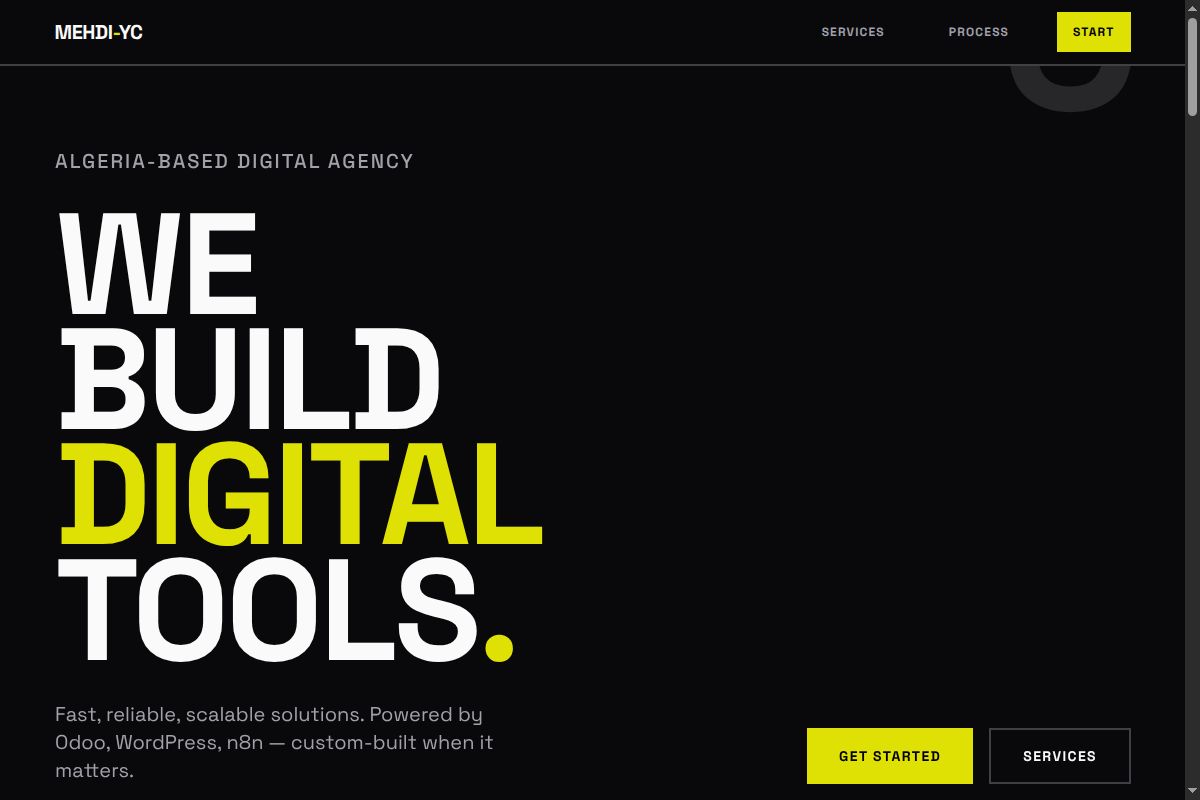
Motion-driven, dynamic, energetic visual language.
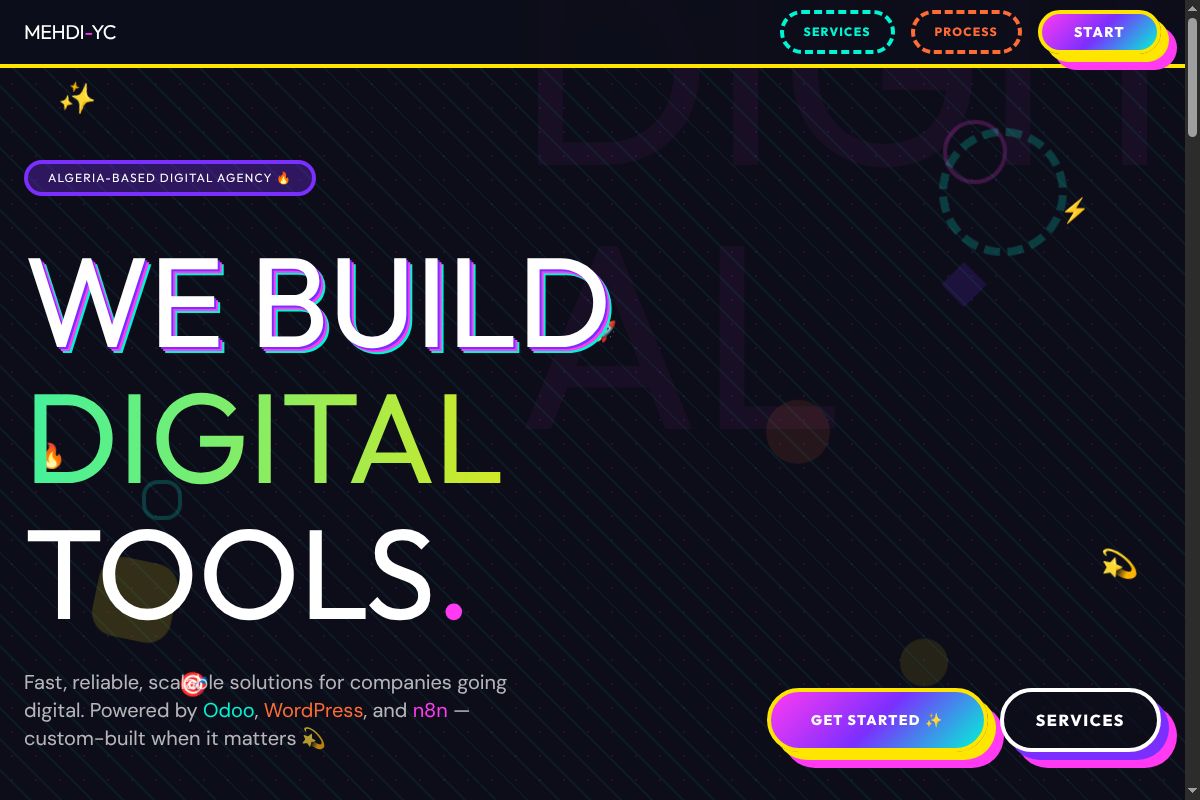
More is more — layered, dense, expressive compositions.
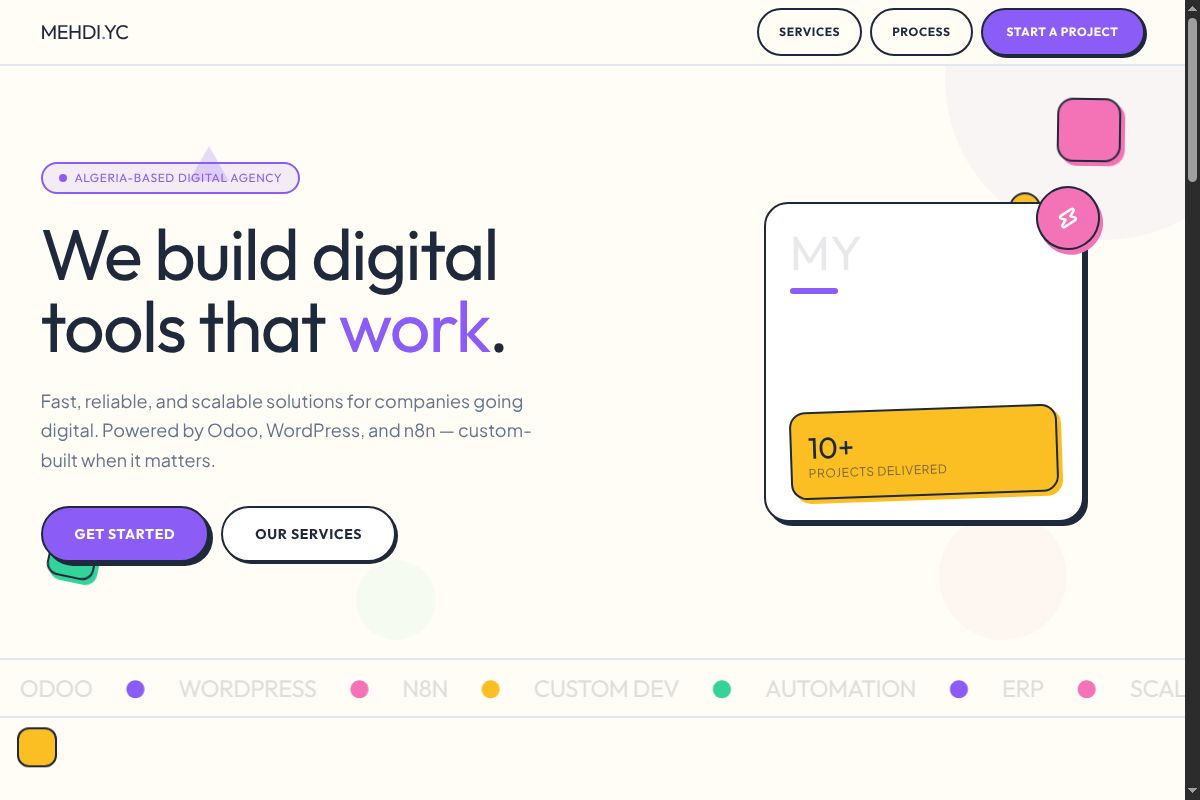
Fun shapes, rounded forms, approachable and friendly.
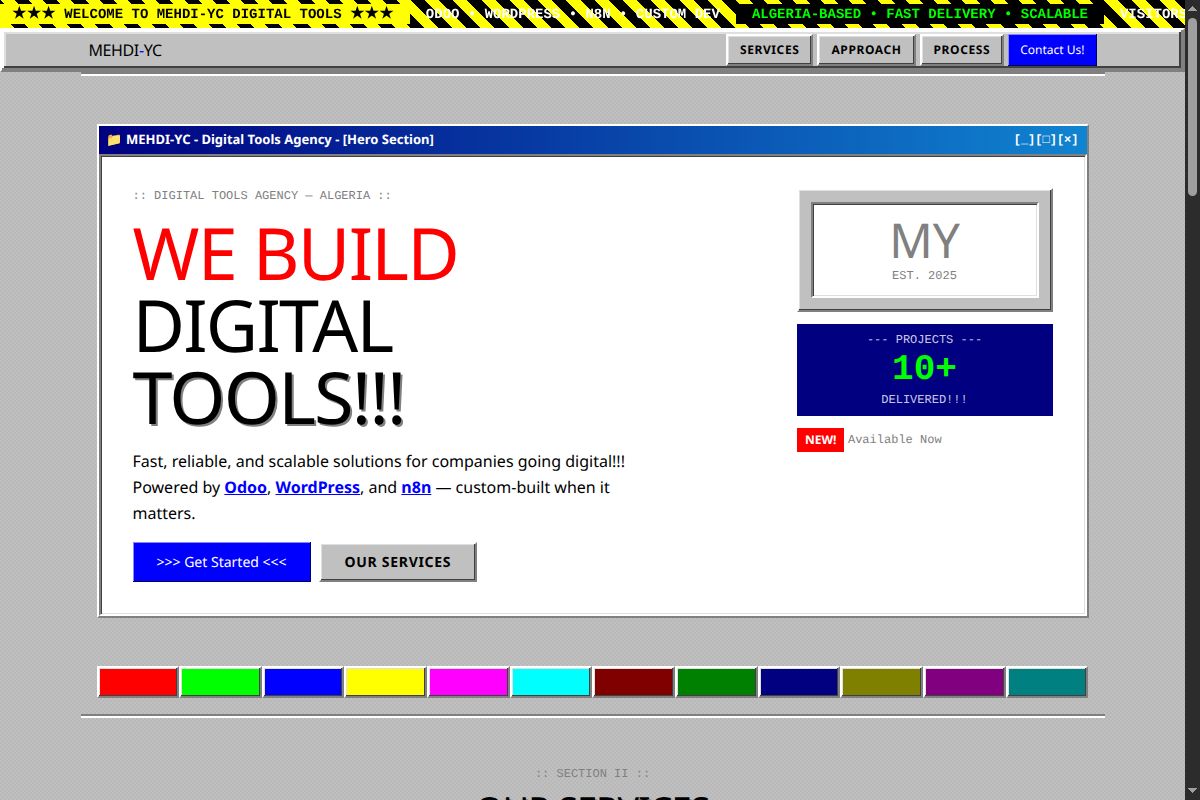
Vintage aesthetics, warm palettes, nostalgic typography.
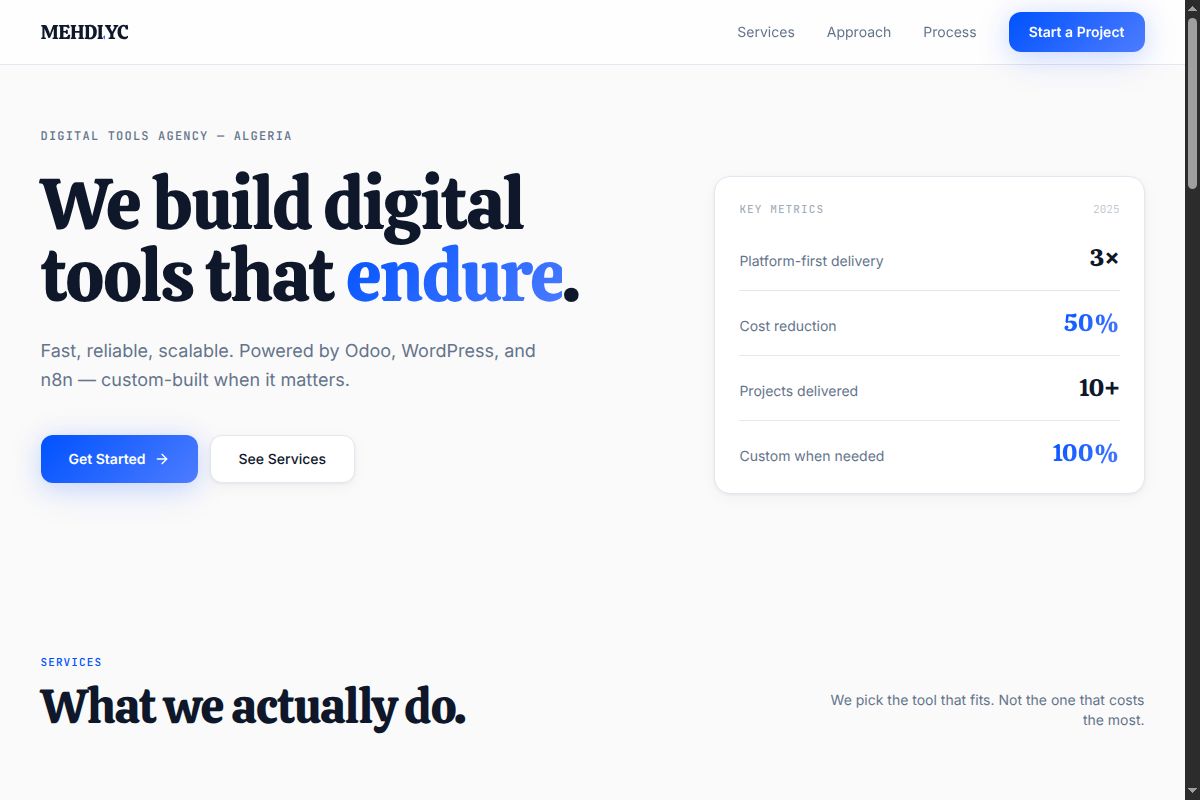
Modern software aesthetic, conversion-focused layouts.
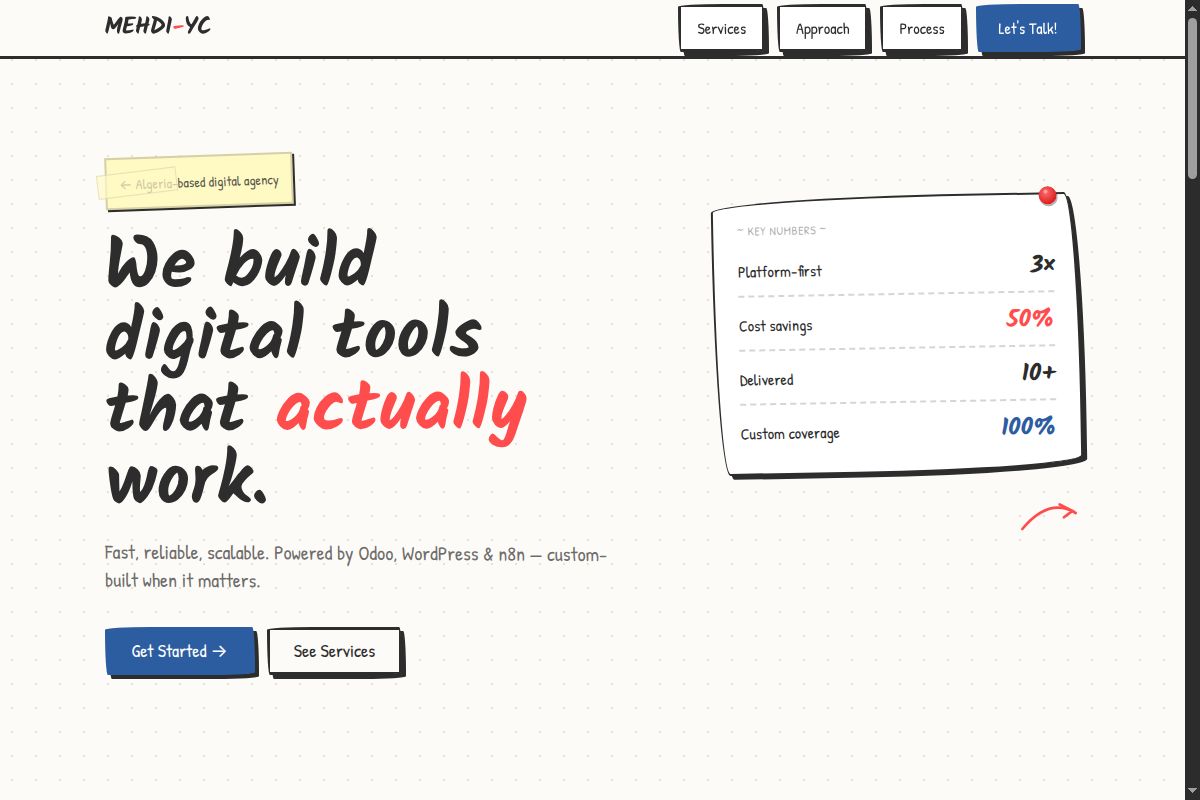
Hand-drawn feel, rough edges, organic and authentic.
Slopless turns your answers into a detailed implementation brief instead of leaving your AI to guess.
Hero, features, testimonials, pricing, FAQ, footer, blog, CTA and any custom section.
Section architecture →Describe your product, audience, tone, messaging, CTAs and supporting information.
Content system →Get one complete Markdown specification ready to paste into Claude, ChatGPT, Cursor or another AI.
AI-ready output →
Instead of starting with "build me a landing page", Slopless creates a structured design and content brief containing the decisions that normally get lost.
The same workflow can describe a SaaS product, agency site, portfolio, startup, documentation product or enterprise platform.
The complete configuration can be copied as Markdown, making it easy to modify before giving it to your AI.
View example →Copy the generated result and paste it directly into your preferred AI coding workflow.
View example →Compare different directions before deciding how your landing page should feel.
Explore designs →Learn how each answer becomes part of your final implementation specification.
Read docs →Explore generated specifications for different landing page types.
View examples →Define the page once, choose the visual system, and let your AI focus on implementation.